
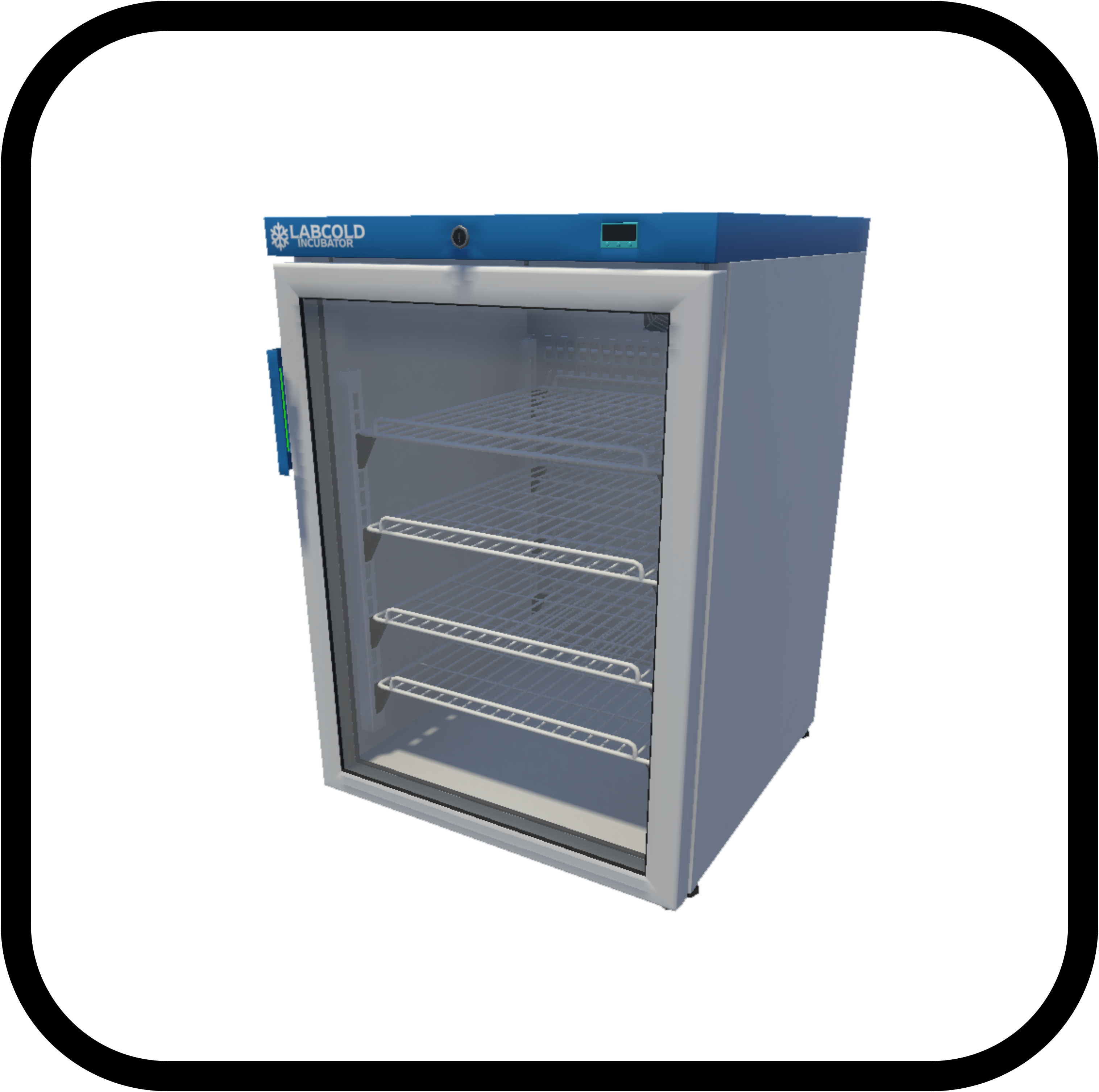
INCUBATOR
The Incubator is pivotal in biomanufacturing, fostering optimal conditions for cell growth and processes. Regulating temperature, it provides a controlled habitat for cells, tissues, and microorganisms, promoting reproducible results and ensuring the viability of biological products. As a vital tool in biotechnology, the Incubator supports diverse applications, elevating biomanufacturing with precision and reliability. View All Equipment.
SETUP
The setup of an incubator involves several steps and components. Here is a general overview of the setup process:
Location and Environment: Choose a suitable location with adequate ventilation and minimal temperature fluctuations. Ensure that the incubator is placed away from direct sunlight, drafts, and other environmental factors that could affect its performance.
Power Connection: Connect the incubator to a stable power source using the provided power cord. Verify that the voltage requirements match the power supply specifications.
Read the User Manual: Thoroughly read the user manual provided by the manufacturer to understand the specific features, operational requirements, and safety guidelines. Temperature Settings:
Temperature Settings: Set the desired temperature for the incubator based on the requirements of the experiments or cultures you intend to incubate. Allow the incubator to reach the set temperature before placing samples inside.
Calibration Check: Verify the calibration of the temperature control system by comparing the displayed temperature with an external thermometer. Perform any necessary adjustments to ensure accuracy.
Humidity Control (if applicable): If the incubator has humidity control, set the desired humidity level according to experimental needs. Use a hygrometer to confirm and adjust humidity settings as required.
Shelving and Interior Arrangement: Adjust the interior shelving to accommodate the size and number of culture vessels or samples. Ensure proper spacing between samples for optimal air circulation.
Sterilization: Sterilize the interior of the incubator using appropriate disinfectants or sterilization methods before introducing samples. Follow manufacturer recommendations for cleaning and sterilization.
Sample Placement: Place the samples or cultures inside the incubator, ensuring they are properly sealed or covered to prevent contamination. Arrange samples to avoid blocking air vents and to ensure uniform temperature distribution.
Close and Seal:Close the incubator door securely to maintain a stable internal environment. Check for any gaps or leaks around the door seal and address them if necessary.
Monitoring and Alarms: Activate any monitoring or alarm systems available on the incubator. Set alarm thresholds for temperature or other parameters to alert you in case of deviations.
Data Logging (if applicable): If the incubator has data logging capabilities, configure and start logging relevant parameters for record-keeping and analysis.
External Monitoring (if applicable): Integrate the incubator with any external monitoring systems, if applicable, for remote observation and control.
Validation Run: Run a validation test with a temperature-sensitive indicator to confirm that the incubator maintains the set temperature accurately.
User Access and Security: Set up user access controls if the incubator has user authentication features. Implement any necessary security measures to prevent unauthorized access.
Training for Users: Provide training for individuals who will be using the incubator, covering basic operation, troubleshooting, and safety procedures.
Emergency Procedures: Establish and communicate emergency procedures for power failures, temperature deviations, or other unexpected events. Ensure that users are aware of emergency shut-off procedures.
Documentation: Maintain a log of incubator usage, including dates of calibration, sterilization, and any issues encountered. Keep records of any maintenance or repairs performed.
Regular Maintenance Schedule: Develop and follow a regular maintenance schedule, including periodic calibration checks, cleaning, and any recommended service.
Ensure that the incubator setup and operation comply with relevant laboratory and safety regulations.
Please note that this is a general outline, and the specific steps and procedures for setting up an incubator may vary depending on the manufacturer, model, and application. Always consult the manufacturer’s guidelines and any applicable safety procedures before attempting to set up and operate it.
ERROR CODES
Incubators can experience various error conditions during operation, which may affect the efficiency and quality of the biological process. Some common error conditions include:
Temperature Fluctuations: Inability to maintain a consistent temperature, leading to fluctuations outside the set range. Drastic temperature changes, potentially impacting the stability of cultures or experiments.
Temperature Calibration Error: Incorrect temperature readings due to calibration drift, resulting in inaccurate environmental conditions. Failure to calibrate the temperature control system, leading to unreliable temperature settings.
Power Outages: Unplanned power outages affecting the incubator, leading to interruptions in temperature control and potential sample damage. Failure of the backup power system to sustain incubator operations during power disruptions.
Humidity Control Issues (if applicable): Inability to maintain the set humidity level, impacting experiments or cultures that require specific moisture conditions. Malfunction of the humidity control system, resulting in excessively dry or humid conditions.
Door Seal Problems: Poor sealing of the incubator door, causing air leaks and compromising temperature and humidity stability. Complete failure of the door seal, leading to significant environmental changes inside the incubator.
CO2 Control Malfunction (if applicable): Inaccuracies or failures in maintaining the specified carbon dioxide levels in CO2 incubators. Malfunction of the CO2 control system, impacting cell culture conditions.
Alarm System Failure: Inoperable or inaccurate alarms, preventing timely notification of temperature, humidity, or other parameter deviations. Frequent false alarms, leading to desensitization of users to critical alerts.
Contamination Events: Introduction of contaminants into the incubator, compromising the integrity of samples or cultures. Failure of the sterilization system to effectively eliminate microbial contaminants.
Fan or Ventilation System Issues: Malfunction of the internal fan or ventilation system, affecting air circulation and temperature uniformity. Excessive noise or vibration from the fan, indicating mechanical problems.
Sensor Failures: Failure or drift in readings from temperature, humidity, or gas sensors, leading to inaccurate environmental monitoring. Complete sensor failure, resulting in a lack of real-time data.
Internal Condensation: Formation of condensation inside the incubator, potentially causing water damage to samples or equipment. Failure of the dehumidification system to prevent excessive moisture.
Control Panel Malfunction: Unresponsiveness or errors in the control panel interface, hindering the ability to adjust settings or monitor conditions. Display inaccuracies or glitches in the user interface.
Data Logging Errors (if applicable): Failure of the data logging system to record and store temperature, humidity, or other critical parameters. Corruption of data logs, compromising the traceability of environmental conditions.
Door Opening/Closing Issues: Difficulty in opening or closing the incubator door, potentially causing disruptions to the internal environment. Failure of the automatic door mechanism, impacting user convenience and system performance.
Communication Breakdown: Loss of communication between the incubator and external monitoring or control systems. Failure to transmit data to remote monitoring platforms.
Software Bugs or Glitches: Unexpected software bugs or glitches affecting the overall functionality of the incubator’s control system. Errors in the software code causing erratic behavior.
Vibration or Movement: Excessive vibration or movement of the incubator, potentially causing damage to delicate samples or equipment. Failure of the stabilizing mechanisms, leading to instability.
User Authentication Issues: Problems with user authentication systems, allowing unauthorized access to incubator settings. Inability to properly authenticate and assign user privileges.
Internal Light Malfunction: Failure of the internal lighting system, impacting visibility and access to samples. Flickering or inconsistent lighting, indicating electrical issues.
Emergency System Failures: Inability of emergency shut-off systems to function during critical events. Failure of safety interlock systems to halt incubator operations in emergencies.
To minimize the occurrence of error conditions, it is essential to follow proper operating procedures & implement preventive maintenance schedules throughout the operation.